Please volunteer to add Meaning numbers to the Easy English Good Book
We need a brave soul to painstakenly go through portions of the Easy
English Good Book and add meaning numbers where necessary to the ends of
words. These are
the numbers that tell the His Hands Reader program which picture to show if
there are more than one meaning per word.
Step 1
Write me to say that you are starting to look for meaning numbers
to the Easy English Good Book. BobAchgill@hotmail.com
Step 2
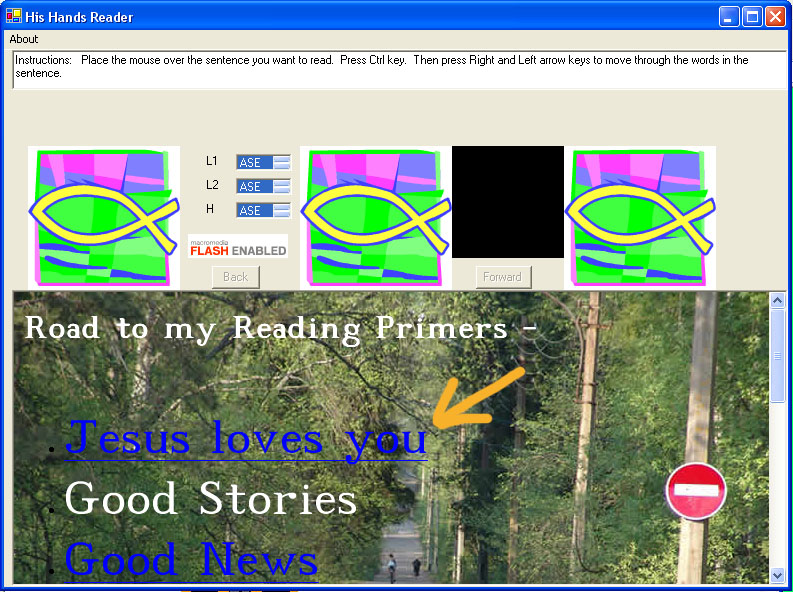
Download and install the HisHandsReader program.
Choose Jesus loves you.
Step 3
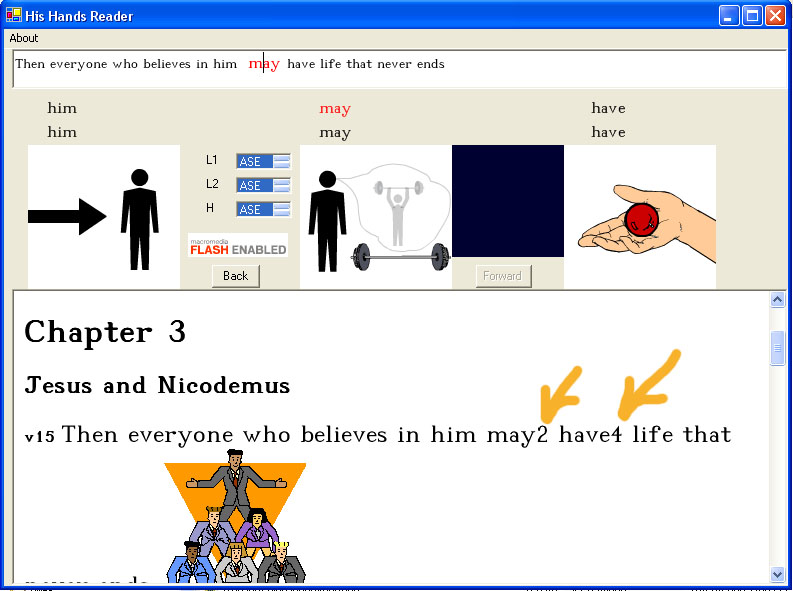
This is an example of how adding meaning numbers works. We put a number at
the end of a word so the His Hands Reader program knows which meaning picture
to show. If a word is a 1st meaning you will not need to put a 1 at the end
of the word since
the
program
defaults
to 1 if no number is given.
Notice the example "may2".
This is the meaning for
"may = possibility [that may be true after all]".
If no number was put on the
end of "may" the His Hands Reader program would think "may1
= month of May".
As you
can
see...
it
is important
to put the
right meaning number after each word!
Step 4
Where do you find these meaning numbers?
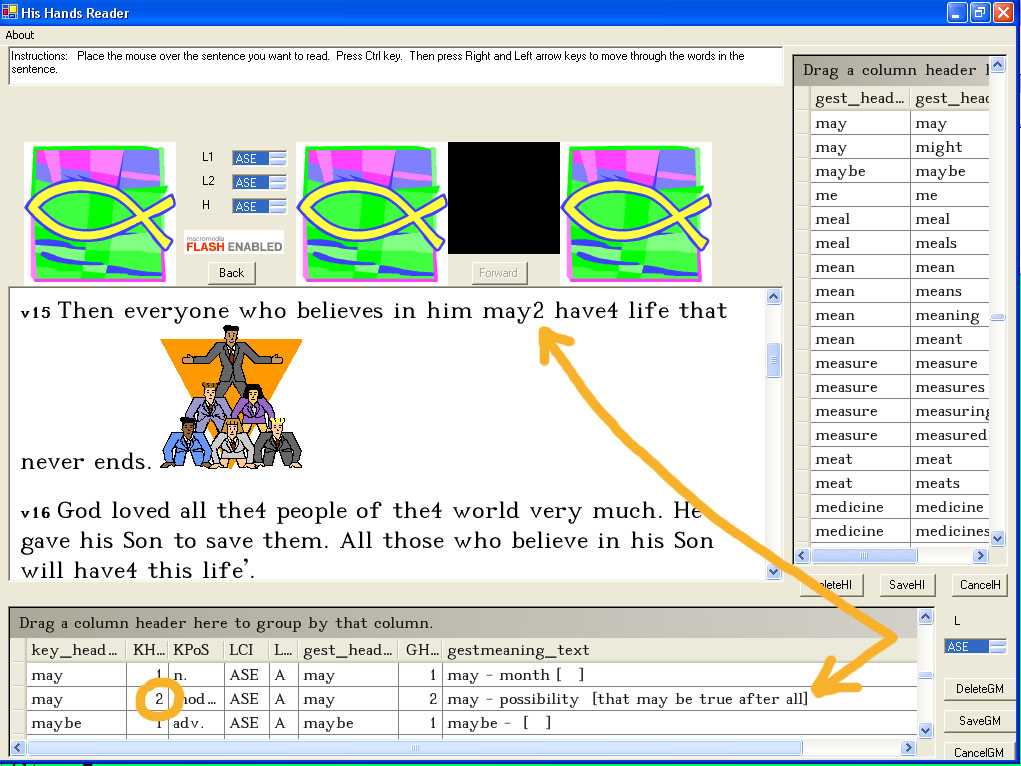
You can find the list of meaning numbers for a word by looking in the lexicon.
First, maximize the His Hands
Reader window
so you can see the lexicon tables. The lexicon language will default to
English.
Search in the meaning table (at the bottom of the window) for the
word you
are looking for.
Then choose the
meaning number that best describes the meaning in the sentence.
Step 5
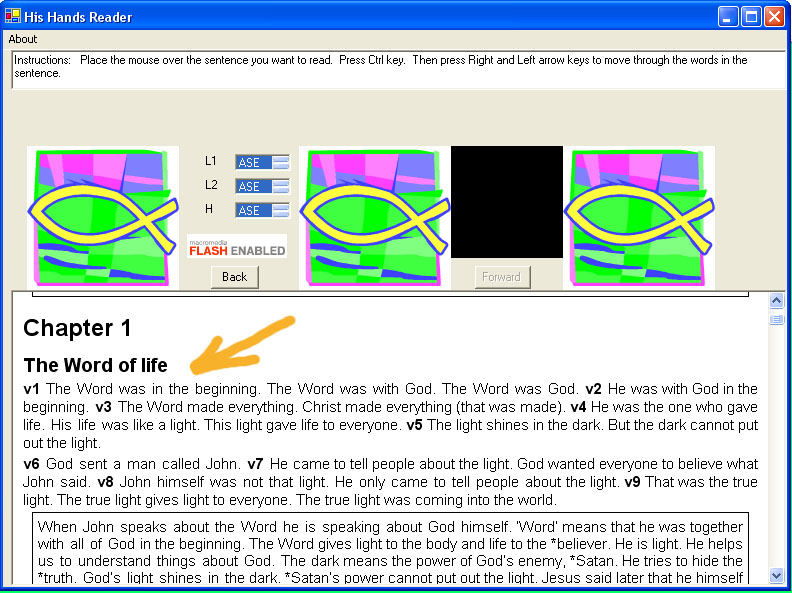
Begin by adding meaning numbers to words in John's Good News. Here is how
you see this text.
Choose Good News
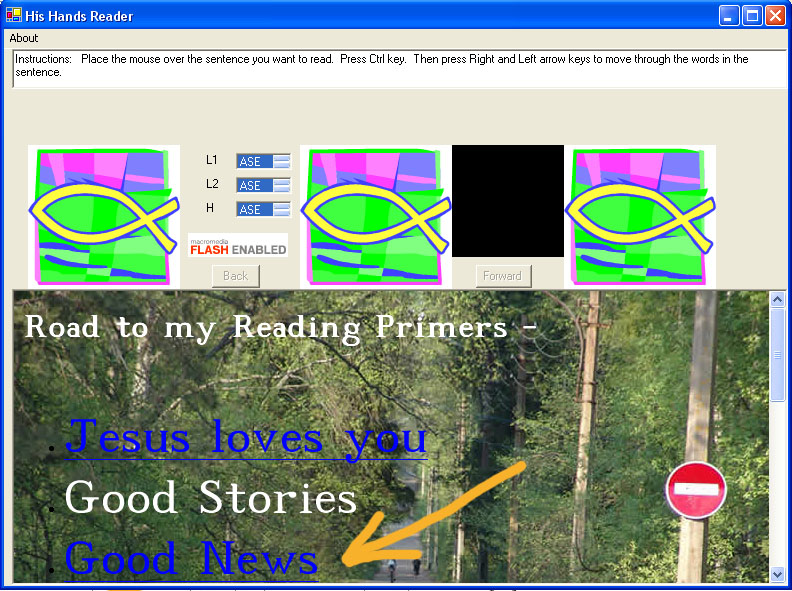
Then Choose John's Good News.
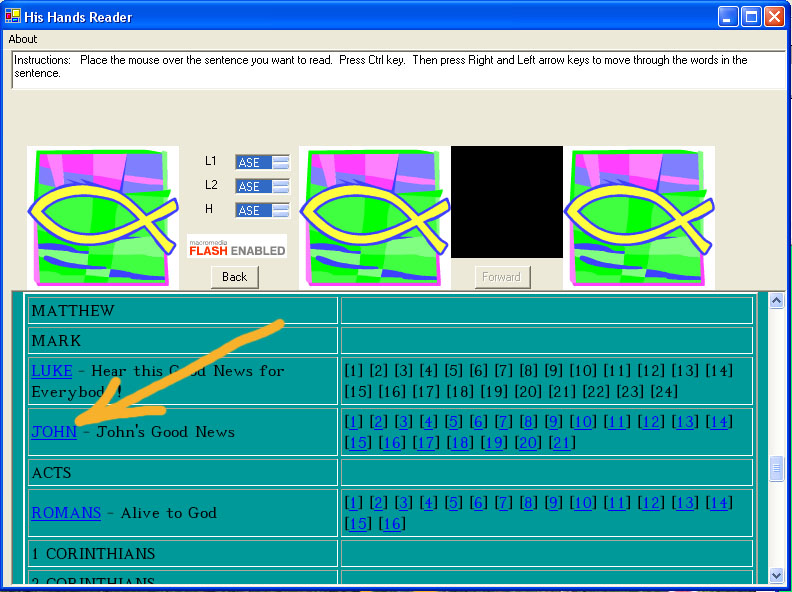
This is a good place to begin the work of adding meaning numbers to words
in the Good Book!
You can view the text here but in order to add the meaning numbers you will need to use an HTML editor program.
Step 6
Here is how you can edit the text for John's Good News.
First find
the file (see below).
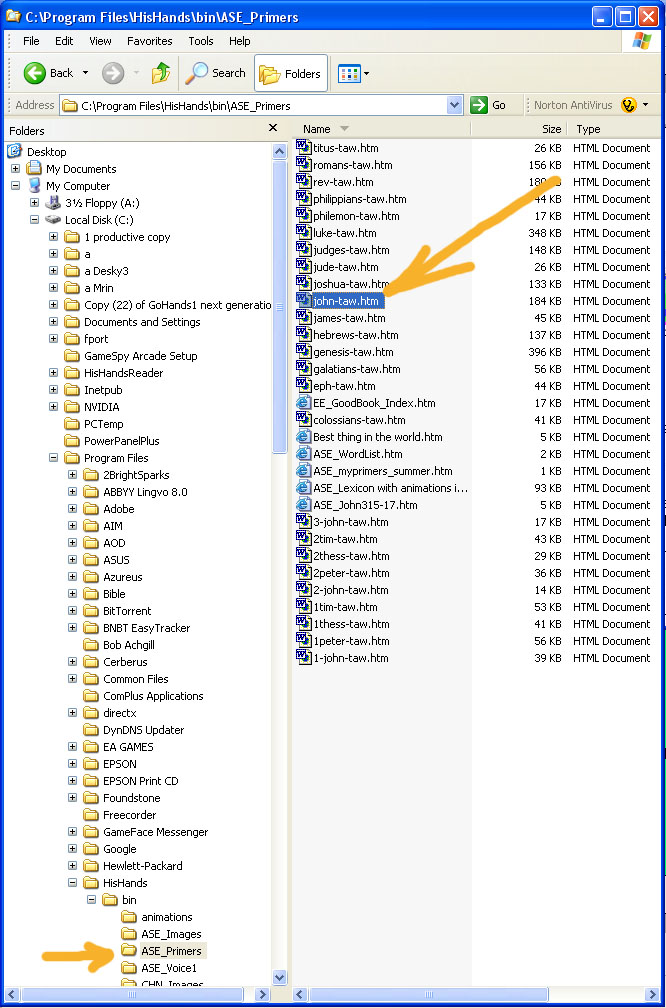
Step 7
When you finish a chapter of edits ... send me the whole file by
email and I will add the updated file to the His Hands Reader library distribution
system so everyone can benefit from your work. :o)
Thank
you!