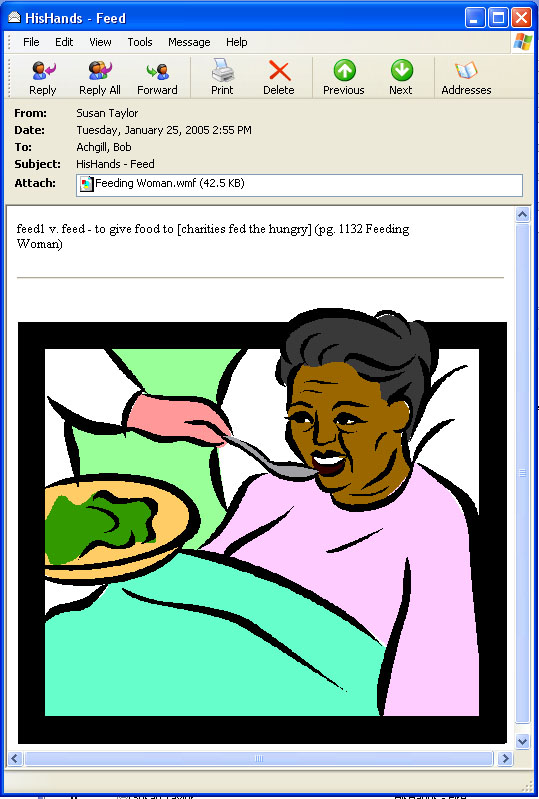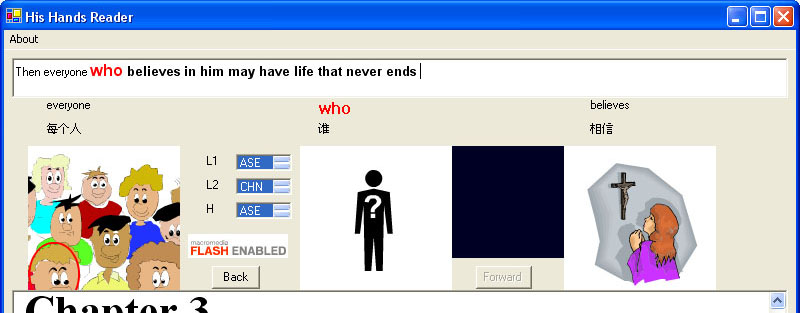
Here is what you need to do:
Write me to say that you are starting to look for meaning images to add to the His Hands Reader lexicon. BobAchgill@hotmail.com
Download and install the HisHandsReader program.
Go see examples of meaning images already in the lexicon. Choose ASE and select Lexicon link.
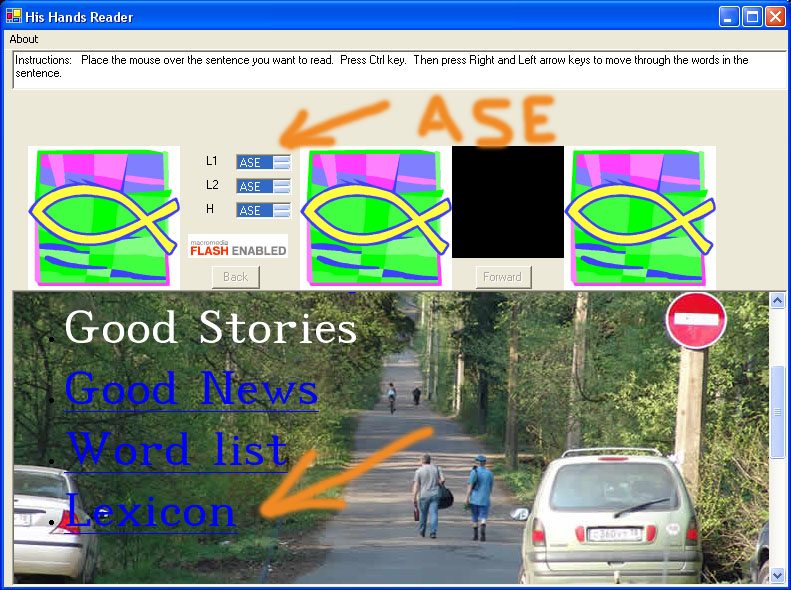
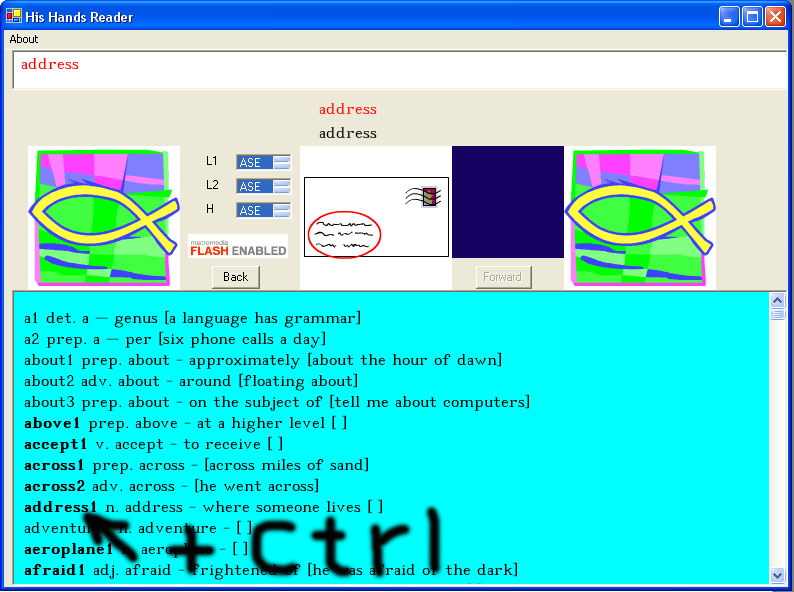
Place the mouse cursor over a word in bold and press "Ctrl" to see the image. All words in bold in the lexicon have images. Click here to see a lexicon list. Or check online at our web site to see the most current Lexicon list! We are adding images all the time. If you don't see the word in bold on this list then you can assume we don't have an image for that word yet. Send it in!
Where to look for good vector images? I say "vector" as opposed to bitmap
because vector technology images keep their resolution so always look sharp
and clear no matter how big we blow them up.The best place to look for vector
images is in the book called Art Explosion. You can
get this
book
from
Amazon.com
at
the
following
link. 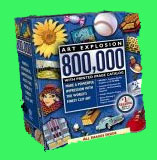
It has 800,000 images to choose from and a convienient book to look through to help with finding the right image to match the meaning. Not all of the images in Art Explosion are vector. So restrain yourself to only look for images that are in the vector section.
Once you find a picture or pictures that can be put together to express a meaning find the file(s) on the Art Explosion CD(s) and send me an email note in the following format.
Subject HisHands - your word goes here
First line of note - copy and paste the line from the lexicon and add to the end of the line the page number in Art Explosion and name of file in Art Explosion
It may be that you attach two pictures or more that need to be put together in one picture to say the meaning.
Second line of note - If necessary, explain what needs to be animated in the picture to clarify the meaning.
Send the note to me BobAchgill@hotmail.com